To calculate the backup capacity of a backpack, multiply the length, width, and height of the bag in centimeters. Then, divide the result by 1000 to convert the volume to liters.
The Backup Capacity Calculator is an easy-to-use tool that calculates the volume of a backpack in liters. By entering the bag’s length, width, and height, you can quickly determine how much it can hold. This tool is essential for choosing the right backpack size for school, travel, or daily use.
Formula:
Variable
Description
BC
Backup Capacity in liters
L
Length of the backpack (in cm)
W
Width of the backpack (in cm)
H
Height of the backpack (in cm)
Example Calculation:
Let’s say the Length (L) is 30 cm, Width (W) is 20 cm, and Height (H) is 50 cm.
A backup capacity calculator helps determine the storage capacity of a backpack in liters or cubic inches by calculating its internal volume based on the dimensions of the bag.
For example, a 20-liter backpack means the internal volume is about 20 liters, which is good for day trips or light packing. The same formula can be used to calculate the capacity of a 25-liter backpack by adjusting the dimensions accordingly.
The school backpack capacity calculator works similarly, helping students or parents choose an appropriate size. For larger items, like luggage, you can use the length x width x height method to calculate the volume in liters. These tools are essential for determining whether a backpack or luggage item fits specific needs, such as airline carry-on size limits or for daily use
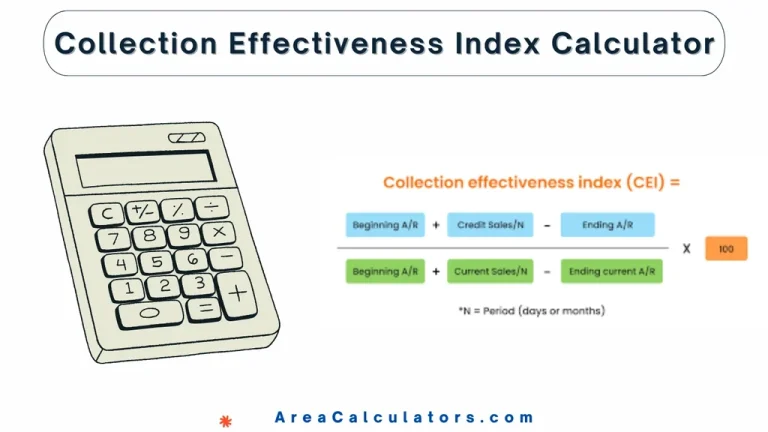
8 / 100 SEO Score To calculate the Collection Effectiveness Index (CEI), subtract the amount of bad debt (BE) from the total amount billed (B0). Then, divide that result by the difference between the total amount billed (B0) and the amount still outstanding (BS). Multiply the result by 100 to get the CEI as a…
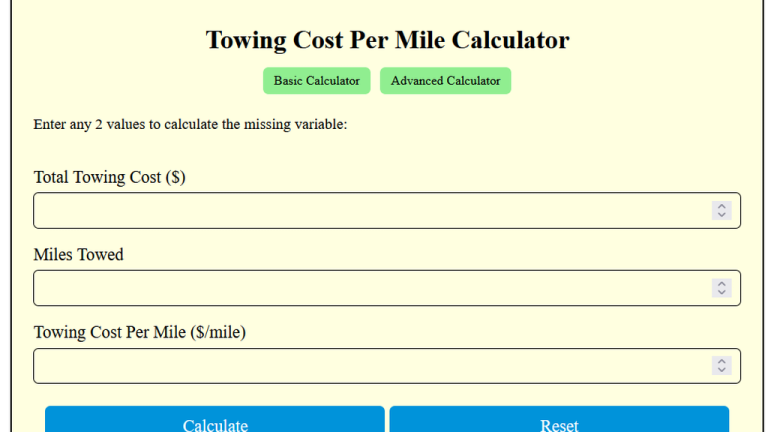
To calculate the towing cost per mile, divide the total towing cost (TC) by the distance towed (D). The Towing Cost Per Mile Calculator calculates how much you will pay for each mile towed. In essence, this is a simple formula that breaks down the overall cost of towing into a per-mile rate. For example,…
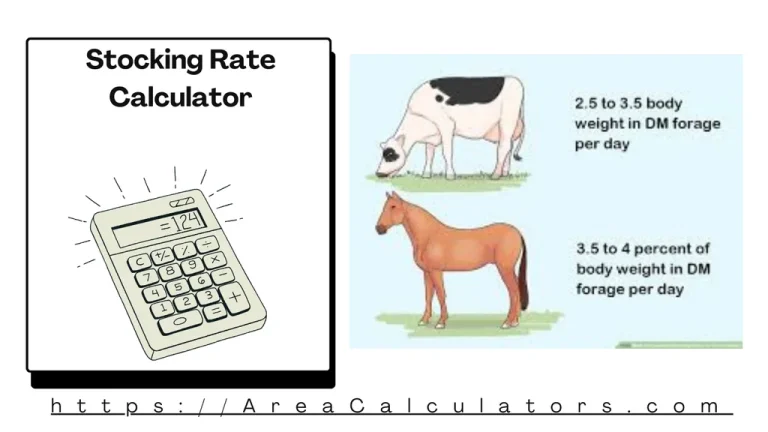
To calculate the stocking rate, divide the available forage (AF) by the livestock bodyweight (LB) and the number of months (M) the animals will graze. The Stocking Rate Calculator is an essential tool for livestock managers, farmers, and ranchers to optimize grazing and land use. By assessing the relationship between forage availability, livestock weight, and…
The Lumber Weight Calculator determines the weight of wood based on its volume, density, and moisture content. The Lumber Weight Calculator is an essential tool for woodworkers, construction professionals, and DIY enthusiasts. Knowing the weight of lumber is critical for transporting, loading, and structural calculations. Whether you’re dealing with hardwood, softwood, or pressure-treated lumber, this…
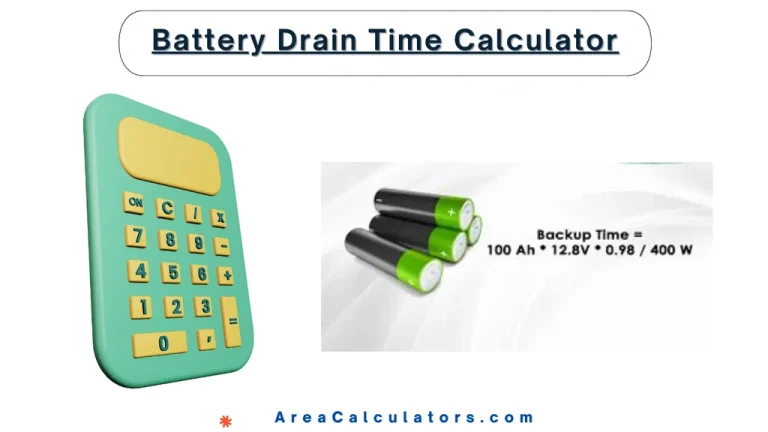
10 / 100 SEO Score To calculate battery drain time, divide the battery’s capacity in ampere-hours by the power consumption of the device in watts. The result is the number of hours the battery will last. The Battery Drain Time Calculator helps you determine how long your battery will last when powering an appliance or…
10 / 100 SEO Score Use our basic and advanced calculators for quick calculations ! The Binding Energy Per Nucleon Calculator helps you determine the amount of energy required to disassemble a nucleus. In order to understand nuclear stability, this tool is too cruicial. Elements like Fe-56 have the highest binding energy per nucleon, making…