
Quarts to Pounds Calculator
To convert quarts to pounds, multiply the number of quarts by 2.085. This conversion is useful in recipes, storage measurements, and when working with liquid or dry substances.
To convert quarts to pounds, multiply the number of quarts by 2.085. This conversion is useful in recipes, storage measurements, and when working with liquid or dry substances.
The Quarts to Pounds Calculator assists in converting volume (quarts) into weight (pounds). It being a handy tool is used in various contexts like cooking, baking, and agriculture. Importantly, knowing the equivalent weight of a specific volume can help simplify measurements and ensure accuracy, especially when handling ingredients or materials with different densities.
This calculator provides quick, accurate conversions, making it essential for anyone working with volume-to-weight conversions.
| Variable | Description |
|---|---|
| LBS | Weight in pounds |
| Q | Volume in quarts |
| 2.085 | Conversion factor for quarts to pounds |
Example 1: Convert 4 quarts to pounds.
| Step | Calculation |
|---|---|
| 1 | |
| 2 | LBS = 8.34 |
Answer: 4 quarts is equal to 8.34 pounds.
Example 2: Convert 10 quarts to pounds.
| Step | Calculation |
|---|---|
| 1 | |
| 2 | LBS = 20.85 |
Answer: 10 quarts is equal to 20.85 pounds.
A Quarts to Pounds Calculator is a measurement-converting tool. It is used to convert between quarts and pounds, especially when dealing with liquid and dry ingredients.
Since quarts measure volume and pounds measure weight, the conversion can vary depending on the substance’s density. For example, converting quarts to pounds for water differs from converting quarts of flour or dry goods.
For reference:
Likewise, when using this calculator, simply input the number of quarts, and it will convert them to pounds based on the density of the substance. This is particularly useful for recipes, agricultural measurements, and bulk food handling, where precise conversions from volume to weight are necessary.
Conclusively, a Quarts to Pounds Calculator is ideal for accurately managing volume-to-weight conversions, saving time and reducing errors in practical applications.

To convert years to days, multiply the number of years by 365 for standard years or 366 for leap years. The Years to Days Calculator is a versatile tool for converting years into equivalent days. Whether you’re calculating time spans for projects, tracking durations, or understanding historical timelines, this calculator provides precise and immediate results….
10 / 100 SEO Score To calculate calories burned on a recumbent bike, multiply the time spent biking by the MET value, your weight, and 3.5. Then, divide the result by 200. This provides an estimate of calories burned during the workout. The Calories Burned Recumbent Bike Calculator assists you to calculate the number of…
To calculate the completion percentage, divide the total completed (TC) by the total tasks (TT), then multiply the result by 100. The Completion Percentage Calculator is used to determine how much of a task, project, or goal has been completed in relation to the total effort required. For example, if you’re tracking a project, this…
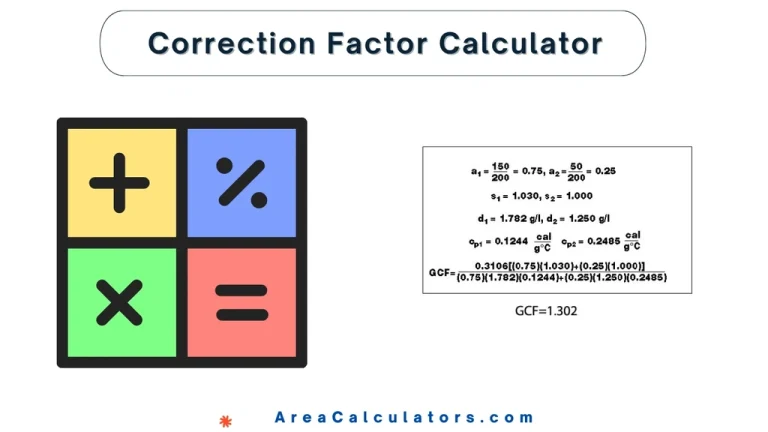
7 / 100 SEO Score Enter the values as required to obtain quick calculation results! When working with measurements, whether it’s in statistics, calibration, or electricity, applying a correction factor ensures that your results are accurate. The Correction Factor Calculator makes it all easy. It helps you to adjust your raw data, whether you’re calculating…

To calculate the Conversion Rate (CVR), divide the number of conversions (CV) by the total number of clicks (CL), then multiply by 100 to express it as a percentage. The CVR (Conversion Rate) Calculator is an essential tool for marketers, sales professionals, and e-commerce platforms. It helps measure the effectiveness of marketing campaigns or sales…
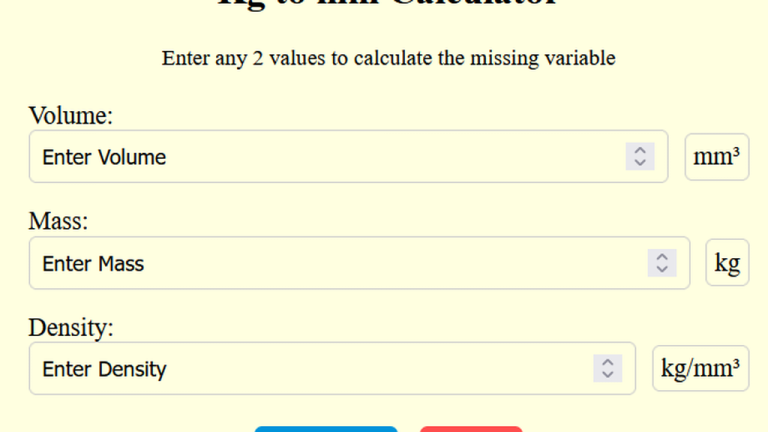
Divide the mass (in kilograms) by the material’s density (in kg/mm³) to calculate the volume in cubic millimeters. The Kg to Mm Calculator converts a given weight in kilograms into its equivalent volume in cubic millimeters, based on the material’s density. This is particularly useful in engineering, manufacturing, and material science to estimate dimensions or…