
Out Of Door Price Calculator [OTD Price Calculator 2025]
To calculate the out-the-door (OTD) price, sum the cost of the vehicle (CV), fees (F), and taxes (T). This gives you the total amount payable.
To calculate the out-the-door (OTD) price, sum the cost of the vehicle (CV), fees (F), and taxes (T). This gives you the total amount payable.
The Out Of Door Price Calculator helps you calculate the total price of a vehicle, including all additional fees and taxes. This tool is particularly useful for buyers negotiating car deals or comparing offers. It ensures transparency by accounting for every cost component, from the base price to registration and taxes, helping you budget effectively and avoid hidden charges.
OTD = CV + F + T
| Variable | Description |
|---|---|
| OTD | Out-the-Door Price |
| CV | Cost of the Vehicle |
| F | Fees (e.g., registration, documentation) |
| T | Taxes |
Example 1:
A car costs $20,000, with fees of $1,200 and taxes of $1,800.
| Step | Calculation | Result |
|---|---|---|
| Vehicle Cost (CV) | $20,000 | $20,000 |
| Fees (F) | $1,200 | $1,200 |
| Taxes (T) | $1,800 | $1,800 |
| Out-the-Door Price | $20,000 + $1,200 + $1,800 | $23,000 |
Example 2:
For a used car priced at $12,000, with fees of $800 and taxes of $960:
| Step | Calculation | Result |
|---|---|---|
| Vehicle Cost (CV) | $12,000 | $12,000 |
| Fees (F) | $800 | $800 |
| Taxes (T) | $960 | $960 |
| Out-the-Door Price | $12,000 + $800 + $960 | $13,760 |
The Out Of Door Price Calculator is a handy tool. It is used for determining the total cost of a car or product, including additional charges such as taxes, registration fees, and other expenses. It provides a clear estimate of the “out-the-door” price, ensuring no hidden costs surprise the buyer.
This tool is particularly useful for car buyers looking to evaluate the full purchase price, including trade-ins or discounts.
It answers questions like “What does out-the-door price mean?” or “How do you calculate the out-the-door car price?” Users can input the base price, tax rate, and applicable fees to quickly determine the final cost. Whether for new or used cars, this calculator is a valuable resource for negotiating and planning purchases.
To wrap it up, the Out Of Door Price Calculator is an indispensable tool for anyone seeking transparency in purchase costs. It simplifies budgeting and ensures clarity, making it ideal for informed decision-making in vehicle or product purchases.

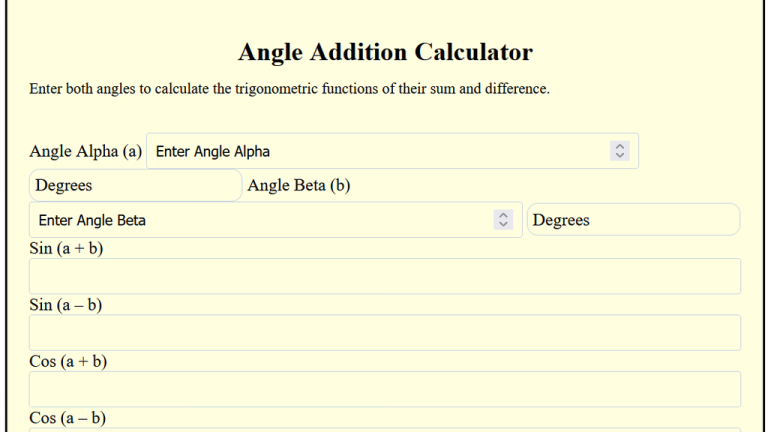
To find the total angle, add two or more given angles in degrees, minutes, and seconds. The Angle Addition Calculator is a practical tool for calculating the sum or difference of angles in degrees, minutes, and seconds. Whether you’re solving geometry problems, working on trigonometry equations, or calculating angles in navigation, this tool provides accurate…
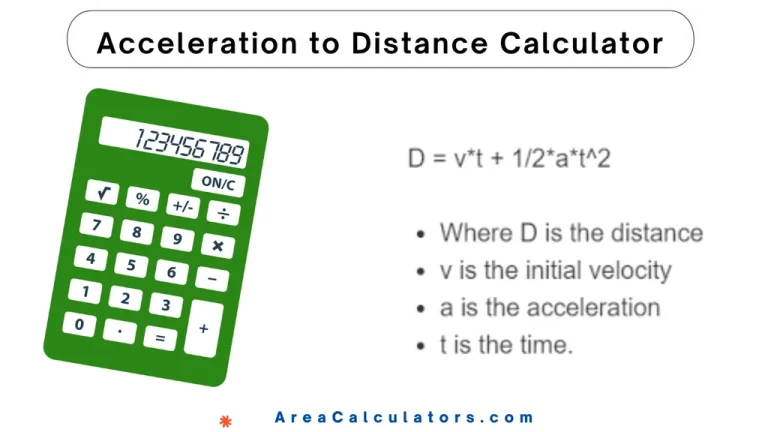
To find distance using initial velocity, time, and acceleration, first multiply the initial velocity by time, then add half the product of acceleration and the square of time. This formula is useful for determining displacement under constant acceleration. The Acceleration to Distance Calculator is basically used for forecasting the distance traveled when an object is…
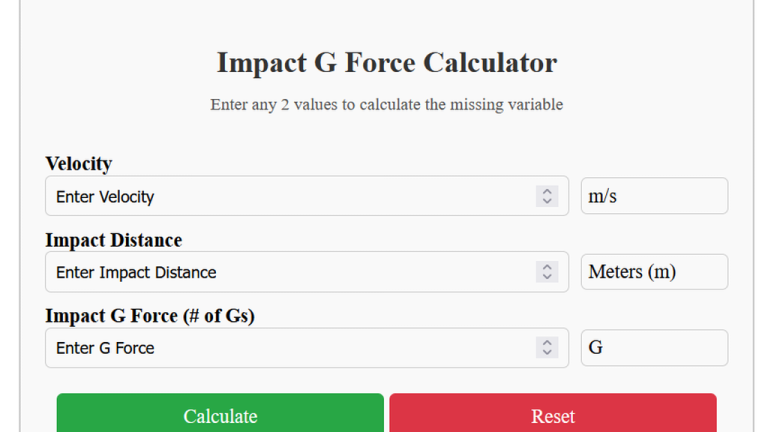
To calculate impact g-force, divide the kinetic energy per unit distance by gravitational acceleration (9.81 m/s²). The Impact G Force Calculator estimates the g-forces which is experienced during an impact. This is especially useful for analyzing collisions, free-fall scenarios, and crash dynamics. It takes into account the velocity of the object, stopping distance, and the…

9 / 100 SEO Score First, divide the length in centimeters by the product of π and the circle’s diameter. Multiply the result by 360 to get the angle in degrees. A Cm to Degrees Calculator helps convert a length in centimeters along a circle’s circumference into an angle in degrees. This tool is essential…
10 / 100 SEO Score Enter the values of regular rate, hours, overtime rate, to use our basic and advanced calculator for accurate calculations! The Blended Overtime Calculator calculates the correct overtime pay for employees working at different rates during the same pay period. This tool simplifies the process by combining regular and overtime hours…

To calculate flour weight, multiply the number of cups by 120 to determine the weight in grams. The Flour Weight Calculator is a helpful tool for bakers and cooks who need to convert flour measurements between weight and volume. Precision in measuring flour is critical for achieving the perfect texture and consistency in baking. This…