Bonus Percentage Calculator
To determine the bonus percentage, divide the bonus amount by the annual salary and multiply by 100.
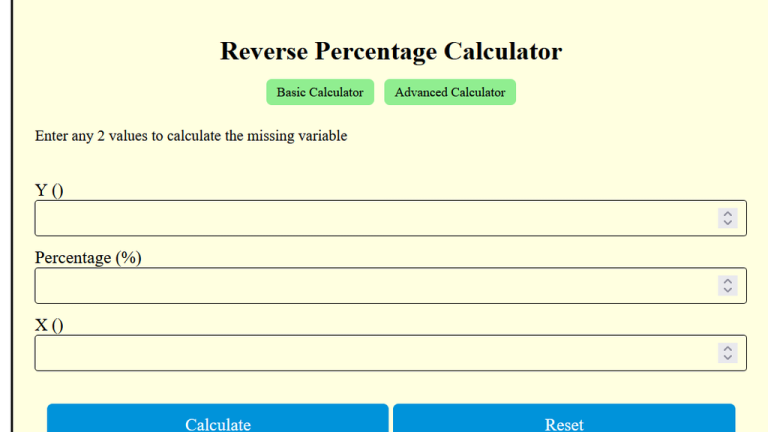
The Bonus Percentage Calculator enables the employees and employers to calculate the percentage of a bonus relative to an annual salary. This calculator is highly useful for understanding bonus allocations, determining additional earnings, and setting performance-based rewards.
By inputting a bonus amount and an annual salary, users can effortlessly determine the bonus as a percentage. Briefly, it is an ideal tool for budgeting, planning, and evaluating compensation packages.
Formula
| Variable | Description |
|---|---|
| BP | Bonus Percentage |
| B | Bonus Amount |
| AS | Annual Salary |
Solved Calculations
Example 1:
| Step | Calculation |
|---|---|
| Annual Salary (AS) | $50,000 |
| Bonus (B) | $5,000 |
| Bonus Percentage Calculation | |
| Result | 10% |
| Answer | A $5,000 bonus is 10% of a $50,000 annual salary. |
Example 2:
| Step | Calculation |
|---|---|
| Annual Salary (AS) | $80,000 |
| Bonus (B) | $12,000 |
| Bonus Percentage Calculation | |
| Result | 15% |
| Answer | A $12,000 bonus is 15% of an $80,000 annual salary. |
What is a Bonus Percentage Calculator?
The Bonus Percentage Calculator is a helpful tool. This tool is tailormade for calculating employee bonuses as a percentage of their base salary. Thus, it simplifies the process of determining bonus payouts.
This tool is particularly beneficial in corporate and government settings where bonuses are calculated based on various criteria such as performance, percentage of annual salary, or fixed targets. By entering the salary and desired bonus percentage, you can quickly assess the bonus amount.
For example, if an employee’s annual salary is $50,000 and they are eligible for a 10% bonus, the calculator computes a bonus of $5,000.
Additionally, this calculator can accommodate other variables, making it adaptable for scenarios where bonuses are structured as monthly incentives or tied to specific performance targets.
Final Words:
In essence, the Bonus Percentage Calculator offers a streamlined way to calculate bonuses accurately and efficiently, ideal for HR professionals and managers overseeing employee compensation plans. It provides clarity on payouts, helping maintain transparent and fair bonus structures.