
Square Root Curve Calculator – Square Root Curve Chart 2025
To find the Square Root Curve, multiply the square root of the grade by 10. This approach smooths values using a square root transformation, commonly used in grading and scaling contexts.
To find the Square Root Curve, multiply the square root of the grade by 10. This approach smooths values using a square root transformation, commonly used in grading and scaling contexts.
The Square Root Curve Calculator makes it easy to adjust scores or values by transforming them with a square root curve. This method, often applied in academic grading, redistributes scores, emphasizing lower grades more significantly than higher ones.
Using this tool, users can enter their original score, and the calculator applies the square root curve formula to generate the adjusted score. This method ensures a fairer spread of grades, particularly in exams or assessments where such adjustments are necessary for balanced evaluation.
SRG = SQRT(G) ∗ 10
| Variable | Description |
|---|---|
| SRG | Square Root Curve Result |
| G | Original Grade or Score |
Example 1
Calculate the square root curve for a grade of 64.
| Step | Calculation |
|---|---|
| 1 | SRG = SQRT(64) ∗ 10 |
| 2 | SRG = 8 ∗ 10 |
| Answer | 80 |
Example 2
Calculate the square root curve for a grade of 49.
| Step | Calculation |
|---|---|
| 1 | SRG = SQRT(49) ∗ 10 |
| 2 | SRG = 7 ∗ 10 |
| Answer | 70 |
The Square Root Curve Calculator is an instrumental tool for graphing and understanding square root-based curves. To note its applications, it is often used in fields like data analysis and grading.
By applying a square root curve formula, this calculator reshapes values based on their square roots, providing a more balanced view of data or grades, especially when trying to highlight improvements among lower scores.
With the calculator, users can visualize a square root curve chart that reflects changes in data trends, making it particularly useful in educational settings or statistical analysis.
Surprisingly, it’s also available in various formats, like Excel or PDF charts, and can generate step-by-step results, making it accessible and easy to follow.
What is more important, this tool answers how to calculate a square root curve by letting users input their values and quickly obtaining an adjusted output.
For those familiar with curves like the Texas curve or AP curve, this approach is similar, as it adjusts scores through a specific formula to balance or normalize data effectively.
On the whole, the Square Root Curve Calculator enables smooth data interpretation and is practical for scenarios needing score adjustments or detailed data analysis, ensuring results are presented in a fair and comprehensive way.

10 / 100 SEO Score To calculate the 500m split time from the power output in watts, divide the watts by the body weight and take the cube root. Then, divide 2.80 by that result and multiply by 500. This will give the split time in seconds. The Watts to Split Calculator helps rowers calculate…

To calculate Earned Media Value (EMV), multiply the number of unique reach impressions (URUR) by the cost per thousand impressions (CPMCPM), then multiply the result by the conversion rate (CRCR) divided by 100. The Earned Media Value Calculator is an essential tool for marketers and brands aiming to quantify the impact of their earned media…

9 / 100 SEO Score To calculate body height, multiply the length of the bone (BL) by a specific multiplier (M), which is based on the bone being measured. This gives an estimate of the person’s total height. The Bone Length To Body Height Calculator helps estimate a person’s height based on the length of…
Calculate total tax revenue by multiplying the tax per unit (TPU) by the number of taxable units (U). The Tax Revenue Calculator simplifies the process of estimating government revenue from taxes. Simply, by inputting the tax rate per unit and the total taxable units, you can quickly assess how much revenue will be generated. This…
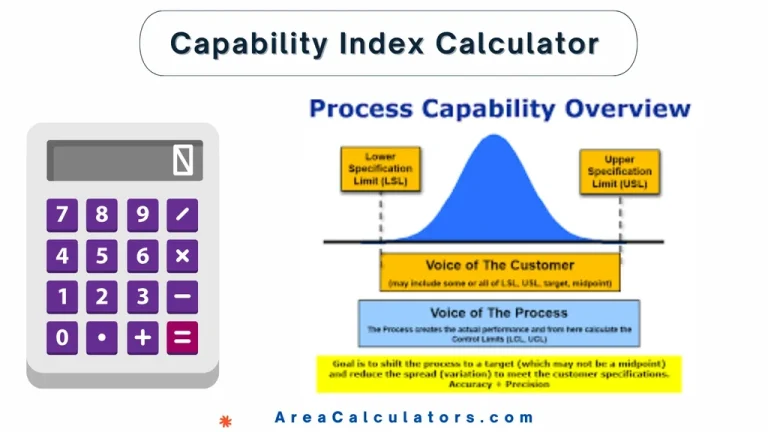
10 / 100 SEO Score To find the capability index (Cp), determine the difference between the upper specification limit (USL) and lower specification limit (LSL). Then, divide this difference by six times the standard deviation (σ). The capability index calculator is an effective tool for measuring how well a process fits within set specification limits….
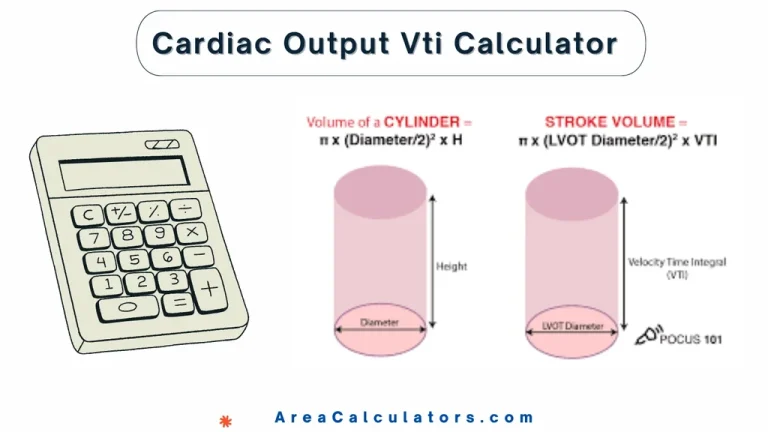
9 / 100 SEO Score To calculate cardiac output using VTI, multiply the velocity-time integral (VTI) by the cross-sectional area (CSA) of the left ventricular outflow tract and the heart rate (HR), then divide by 1000. This gives the cardiac output in liters per minute. Cardiac output is an important measure in cardiology. It represents…