Slack Time Calculator

To calculate Slack Time (ST), subtract the Early Start Time (EST) of an activity from its Late Start Time (LST).

Slack Time Calculator

Enter any 2 values to calculate the missing variable

The Slack Time Calculator determines the amount of leeway or flexibility available in scheduling tasks within a project without delaying its overall completion. It is particularly useful in Critical Path Method (CPM) and PERT (Program Evaluation Review Technique) analyses.

Formula

ST = LST − EST

VariableDefinition
STSlack Time (amount of flexibility in scheduling)
LSTLatest Start Time (latest possible start time)
ESTEarliest Start Time (earliest possible start time)

Solved Calculations

Example 1
An activity has an LST of 10 and an EST of 8.

VariableValue
Latest Start Time (LST)10
Earliest Start Time (EST)8
Slack Time (ST)2


Example 2
An activity’s LST is 15, and its EST is 12.

VariableValue
Latest Start Time (LST)15
Earliest Start Time (EST)12
Slack Time (ST)3

What is Slack Time Calculator?

The Slack Time Calculator is a valuable tool used in project management and scheduling to determine the amount of time an activity can be delayed without impacting the project’s overall completion date. 

It simplifies the calculation of slack time, ensuring efficient planning and resource allocation in critical path analysis (CPA).

Slack time, also referred to as float, is essential for identifying flexible tasks and ensuring project timelines remain unaffected. 

For example, by inputting parameters like earliest start time, latest start time, and duration, the calculator quickly evaluates whether tasks are on the critical path or have some flexibility. 

In that way, this calculator seamlessly helps project managers optimize schedules and prioritize tasks effectively.

Whether you’re calculating slack time in PERT (Program Evaluation and Review Technique) or CPM (Critical Path Method), this tool is indispensable for managing project timelines and reducing delays.

Final Words:

In summary, the Slack Time Calculator is a practical resource for project managers seeking to streamline schedules and maintain efficiency. By accurately identifying task flexibility, it empowers better decision-making and improved project outcomes.


Similar Posts

  • Pumpkin Weight Calculator

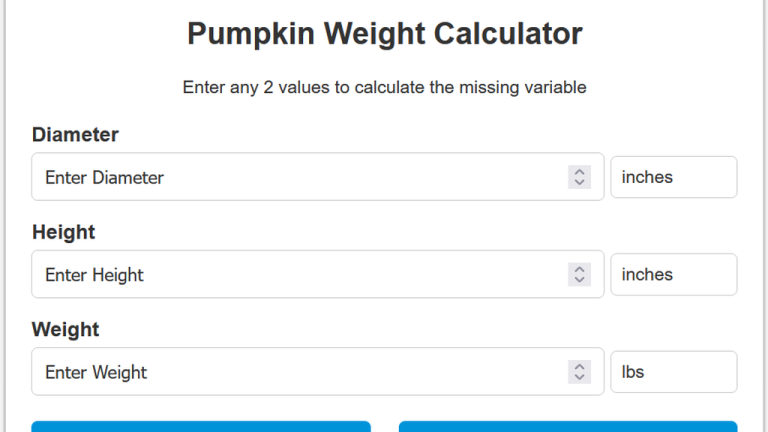
    To estimate the weight of a pumpkin, multiply the square of its diameter by its height and a constant value of 0.7854. The Pumpkin Weight Calculator is a handy tool for estimating the weight of pumpkins based on their dimensions. This calculator provides accurate estimates when you’re planning a pumpkin-growing competition, determining transport logistics, or…

  • RTT Calculator

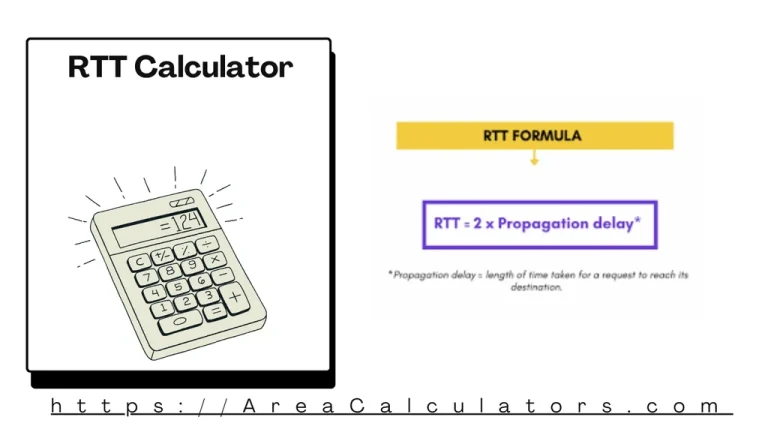
    To determine the Round Trip Time (RTT), combine the average round trip time for sending (AVRTTsAVRTTs) and receiving        (AVRTTcAVRTTc) data. This metric helps measure network performance, providing insights into the latency of data transfers. The RTT Calculator is an essential tool for networking professionals and enthusiasts to evaluate the time taken for…

  • Cm To Dpi Calculator

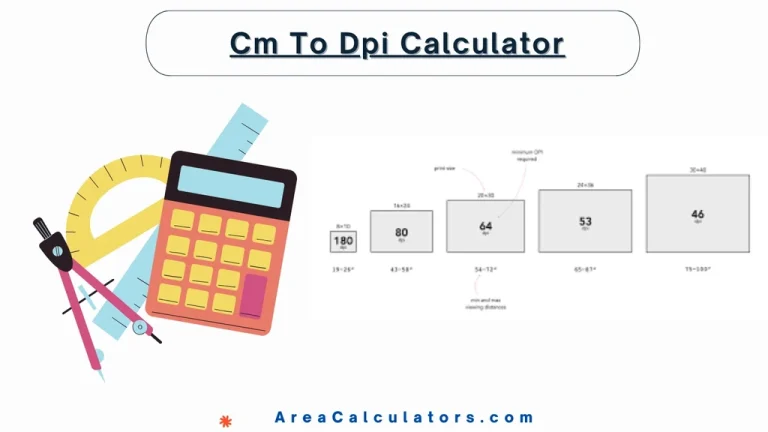
    9 / 100 SEO Score To calculate DPI from centimeters, divide the number of pixels by the width (or height) in centimeters and then multiply the result by 2.54. This will give you the image’s resolution in DPI. The Cm to DPI Calculator is a simple tool that converts centimeters to DPI, ensuring accurate resolution…

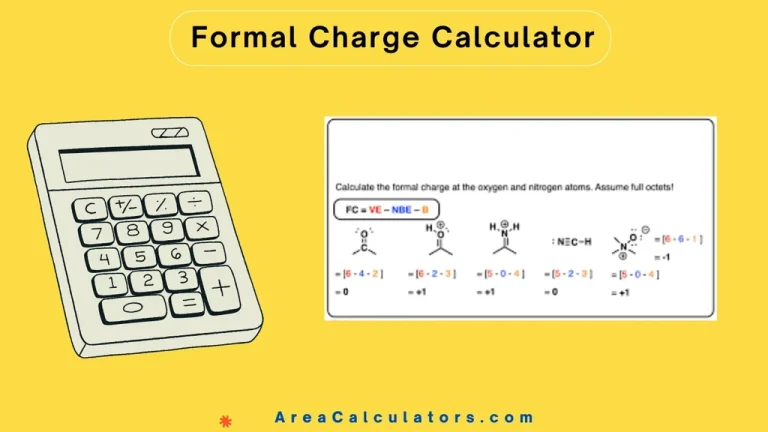
  • Formal Charge Calculator

    To determine Formal Charge (FC), subtract the number of non-bonding electrons and half the bonding electrons from the atom’s valence electrons. This helps in assessing molecular stability by calculating charge distribution. The Formal Charge Calculator aids in calculating the formal charge of atoms in molecules. It is a vital tool for predicting molecular geometry and…