F-Stop Calculator

To calculate the F-stop, divide the focal length (FL) of your lens by the aperture diameter (AD). This provides a numerical value representing the amount of light entering the lens, which is crucial for photography exposure settings.

F-Stop Calculator

Enter two values to calculate the third

The F-Stop Calculator is a valuable tool for photographers seeking to optimize exposure by determining the lens’s aperture size relative to its focal length. This calculation is pivotal for controlling the depth of field, light intake, and overall image sharpness.

Formula

Fstop = FL / AD

VariableDescription
FLFocal length of the lens, measured in millimeters (mm).
ADAperture diameter, the opening through which light enters, measured in millimeters (mm).

Solved Calculations

Example 1: Calculating F-stop for a 50mm Lens with a 25mm Aperture

StepValue
Focal Length (FL)50mm
Aperture Diameter (AD)25mm
F-stop (Fstop)50 / 25 = 2.0


Example 2: Calculating F-stop for a 200mm Lens with a 50mm Aperture

StepValue
Focal Length (FL)200mm
Aperture Diameter (AD)50mm
F-stop (Fstop)200 / 50 = 4.0

What is F-Stop Calculator?

The F-Stop Calculator is a handy tool designed for photographers to determine the appropriate aperture settings for achieving optimal exposure and depth of field. It helps calculate the f-stop number based on the lens’s focal length and diameter of the aperture.

This ensures precise light entry to the camera sensor, enabling clear and well-exposed photos in varying lighting conditions.

F-stop values play a crucial role in photography, controlling the brightness of an image and influencing depth of field. For instance, a lower f-stop like f/2.8 allows more light, ideal for low-light conditions, while a higher f-stop like f/16 reduces light and increases depth of field, suitable for landscapes.

The F-Stop Calculator is especially valuable for photographers working with complex setups like teleconverters, pinhole cameras, or when calculating stops with speed boosters.

It simplifies tasks like converting between t-stops and f-stops, or calculating exposure adjustments when changing ISO, shutter speed, or aperture.

This tool is essential for both novice and professional photographers, offering accuracy and consistency for achieving artistic and technical excellence in photography.

Final Words:

Altogether, the F-Stop Calculator empowers photographers to master exposure settings efficiently. By simplifying calculations, it helps enhance photo quality across diverse shooting conditions.


Similar Posts

  • VDP Calculator

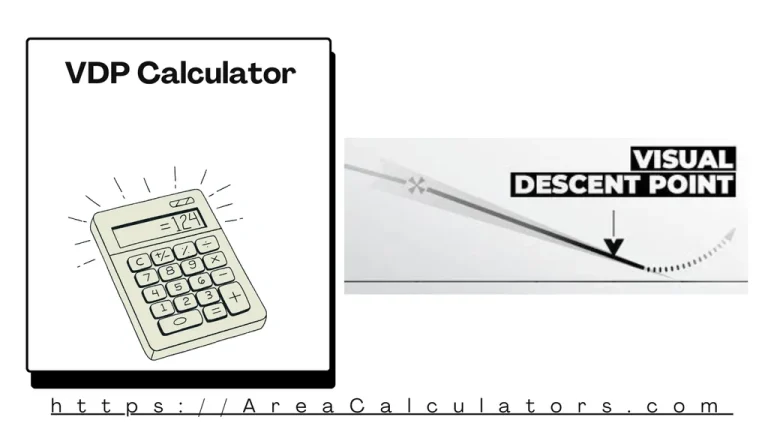
    Divide the height above terrain by the descent rate, then add the reaction time to determine the Vertical Descent Point (VDP). The VDP (Vertical Descent Point) Calculator helps pilots and aviation professionals calculate the optimal point to begin a controlled descent during an instrument approach. VDP is critical for ensuring safety, precision, and compliance with…

  • Energy Resolution Calculator

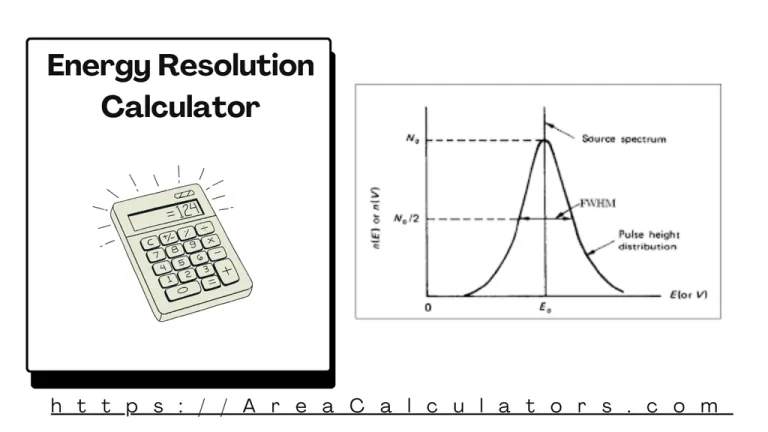
    To calculate energy resolution, multiply the Full Width at Half Maximum (FWHM) by 100, then divide by the Peak Position (PP). The Energy Resolution Calculator is a valuable tool for scientists, engineers, and researchers in fields like spectroscopy, particle physics, and imaging. It assists in quantifying the resolution of an energy-detecting system by comparing the…

  • Mm To Mg/Ml Calculator

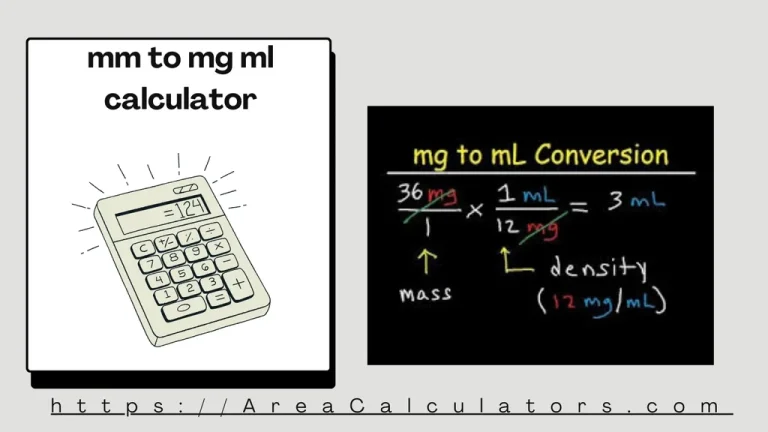
    Multiply the millimolar concentration (m) by the molecular weight (MW) and divide by the volume (V). The Mm To Mg/Ml Calculator simplifies the conversion between millimolar (m) concentrations and milligrams per milliliter (mg/mL). This conversion is essential in scientific fields like biochemistry, pharmacology, and laboratory research where precise measurements of solution concentrations are crucial. It…

  • Pixel Density Calculator

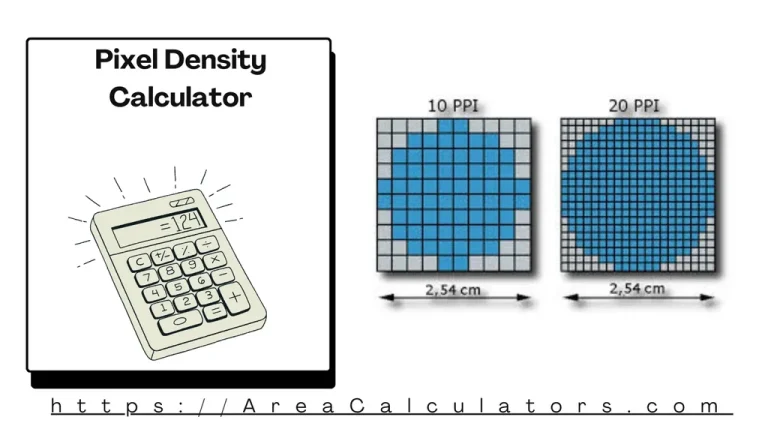
      To calculate, determine the horizontal and vertical pixel densities and multiply them for overall pixel density. The Pixel Density Calculator is a valuable tool for assessing display quality, essential for monitors, smartphones, and cameras. High pixel density translates to sharper visuals and better detail resolution. By using this calculator, you can compare screen resolutions…

  • VTR (View-Through Rate) Calculator

    To calculate the View-Through Rate (VTR), divide the number of completed views (CV) by the number of impressions (I) and multiply by 100 to express it as a percentage. The VTR (View-Through Rate) Calculator is a simple yet powerful tool for evaluating the engagement level of video advertisements. It determines the percentage of impressions that…

  • Welding Machine Load Calculator

    To calculate the load of a welding machine, multiply the machine’s power consumption by the operation time in hours and divide by 1,000 to convert to kilowatt-hours (kWh). The Welding Machine Load Calculator is an essential tool for welders and professionals to estimate the power consumption of welding machines. Understanding machine load is crucial for…