Attenuation Constant Calculator
To calculate the attenuation constant, find the natural logarithm of the ratio between the initial and final power values. Then, divide the result by the distance over which the power loss occurs.
Attenuation refers to the reduction of power or signal strength as it travels through a medium. In physics and engineering, it’s an important factor to understand in fields like telecommunications, X-rays, and signal transmission.

Formula:
Where:
- = Attenuation constant
- = Initial power (input power)
- = Final power (output power)
- = Distance over which attenuation occurs
How to Calculate ?
- Measure or determine the initial power and final power .
- Calculate the natural logarithm of the ratio
- Divide the result by the distance to get the attenuation constant .
Solved Calculations
Example 1:
- Initial power (Pi): 100 W
- Final power (Pf): 50 W
- Distance (d): 5 meters
| Parameter | Value |
|---|---|
| Initial power (Pi) | 100 W |
| Final power (Pf) | 50 W |
| Distance (d) | 5 meters |
| Attenuation constant (α) | 0.1386 |
Answer: The attenuation constant is 0.1386 per meter.
Example 2:
- Initial power (Pi): 200 W
- Final power (Pf): 100 W
- Distance (d): 10 meters
| Parameter | Value |
|---|---|
| Initial power (Pi) | 200 W |
| Final power (Pf) | 100 W |
| Distance (d) | 10 meters |
| Attenuation constant (α) | 0.0693 |
Answer: The attenuation constant is 0.0693 per meter.
What is Attenuation Constant Calculator ?
The Attenuation Constant Calculator is a helpful tool for those working with signals and materials where understanding attenuation is crucial. Attenuation refers to the reduction in power or amplitude of a signal as it travels through a medium, such as a cable or tissue. It is often measured in decibels (dB), and various formulas can be used to determine the attenuation constant.
The attenuation constant can be calculated using different formulas, depending on the context. For instance, in physics, it’s often expressed in terms of the attenuation coefficient, which quantifies how much the signal loses strength per unit distance.
In the case of cables, the formula might involve parameters such as the frequency of the signal and the physical properties of the cable itself.
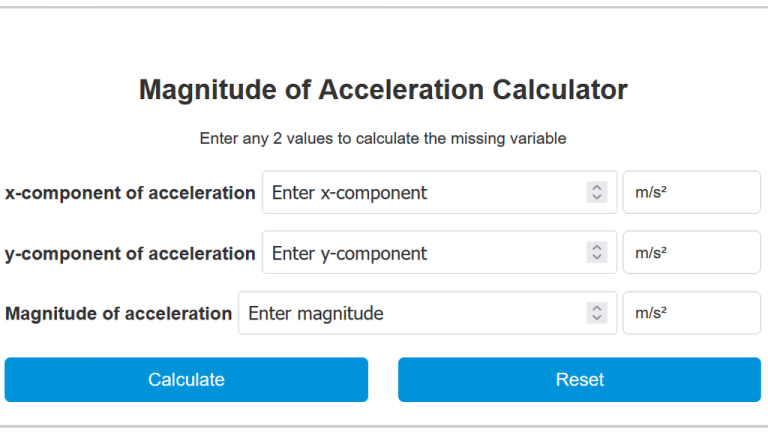
To effectively use the calculator, you input relevant data, such as the initial power level, distance, and the specific medium. The calculator then computes the attenuation constant, providing insight into how much the signal will weaken over a given distance.
Understanding these principles is vital in various fields, including telecommunications, medical imaging (like X-rays), and electronics, where maintaining signal integrity is critical.